Today I learned... git shallow
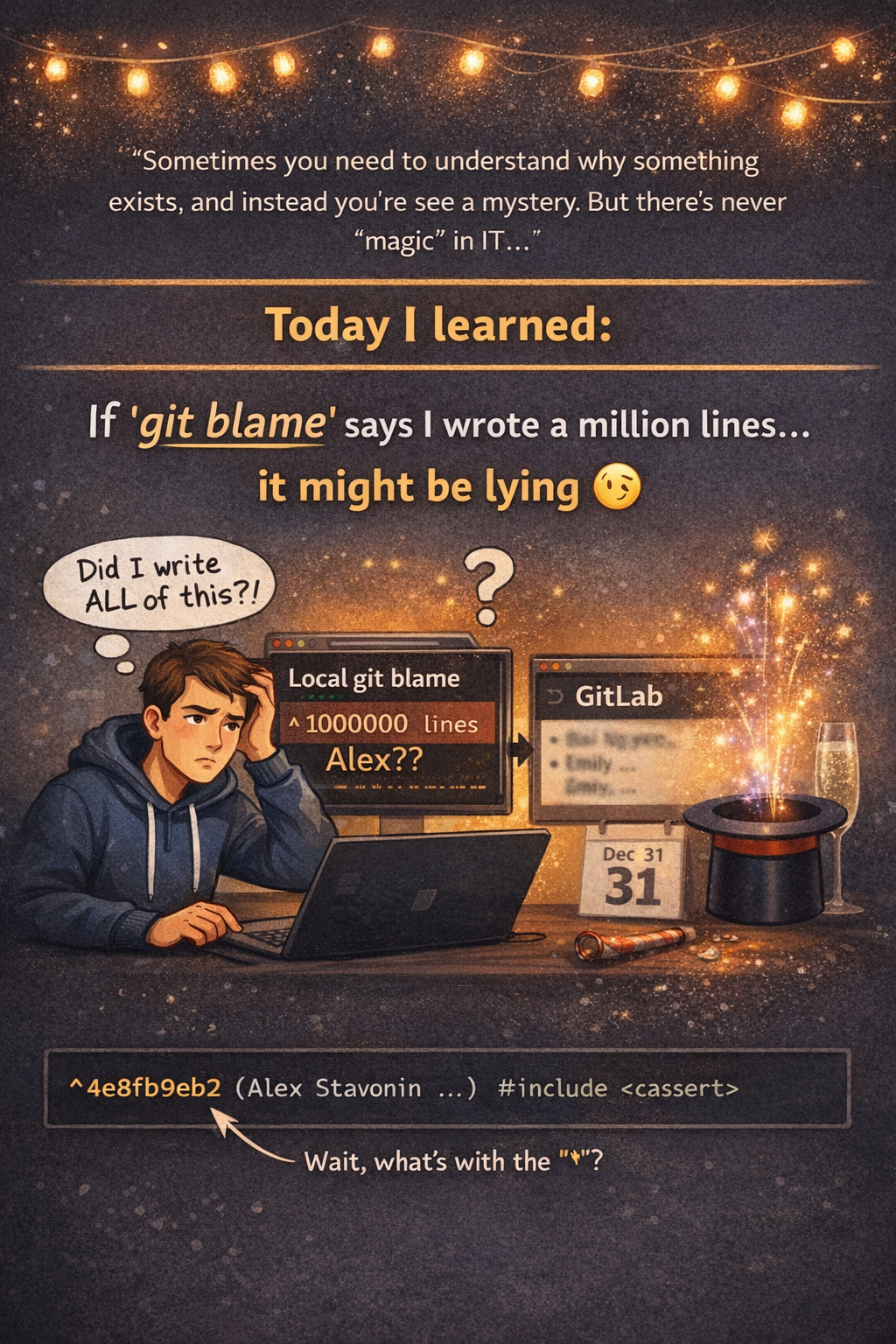
Sometimes you need to understand why something exists, and instead, you’re staring at a mystery. It feels like magic for a moment. But there is no magic in IT. There is always a reason, and usually it’s painfully concrete.
Today I learned that if git blame suddenly claims I wrote the entire million-line project, it might be lying 🙂
I ran into a situation where my local git blame attributed every line to a single recent commit, while GitLab showed the correct historical authors. At first glance, it looked like history had been rewritten, which is odd and incorrect.
The first real clue was in the blame output itself, the caret prefix before the commit hash:
^4e8fb9eb2 (Alex Stavonin …) #include <cassert>
Google told me that ^ means “boundary commit”, meaning Git had reached the end of the history it could see. A quick check confirmed it:
ls .git/shallow
git log --oneline | wc -l
Only a couple of commits were visible. The repo was a shallow clone.
In a shallow clone, git blame can’t walk past the depth limit, so it assigns all lines to the oldest commit it knows about. The real authors live before that boundary. GitLab has the full history, so its blame view stays correct.
The fix was simple:
git fetch --unshallow
That pulls the missing history, removes .git/shallow, and turns the repo into a normal clone. After that, git blame immediately showed the correct commits and authors, with no boundary markers.
And Happy New Year!